
The cleaner handoff
Finish the turn with a clear handoff.

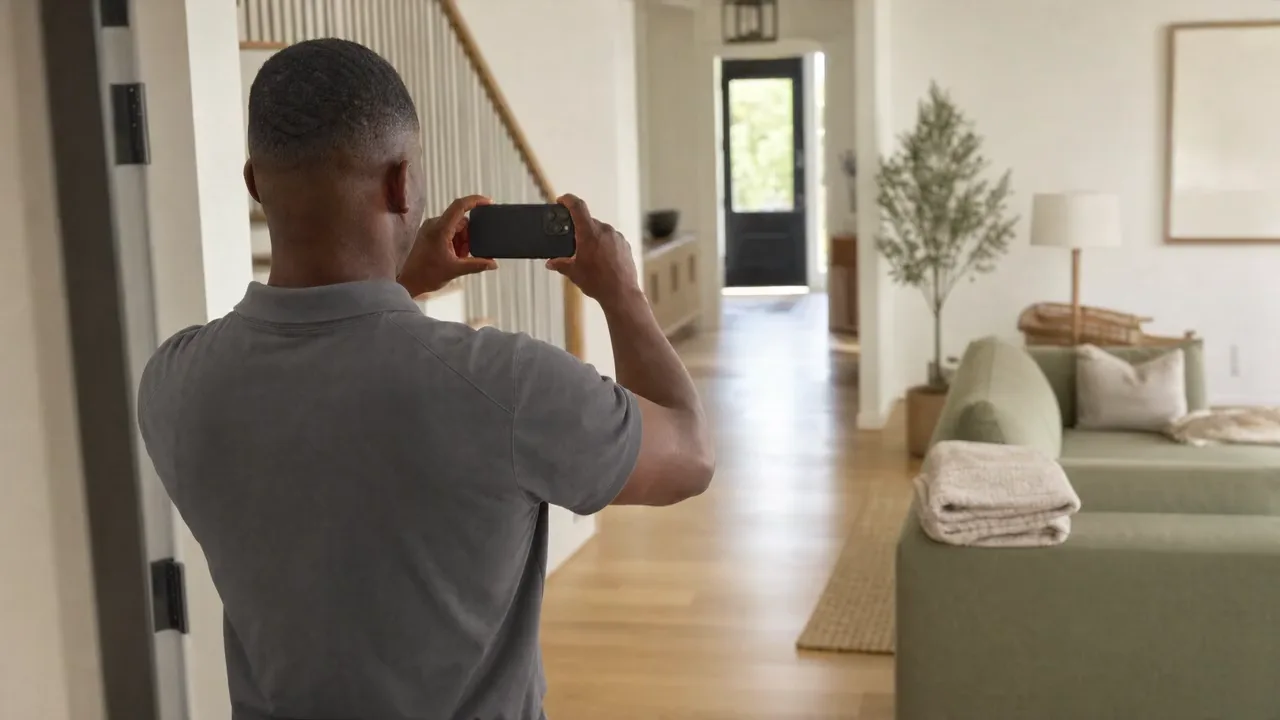
Check the property and stay on your link. Record the work, add useful photos and send them to the host.
Cleaner links require a connected workspace on the web. Open the link online before working without a connection.
For cleaners
Keep the work with the stay.
Open the job online
Use the link from your host. Check the property, stay and requested work before you start.
Add photos to the right room
Choose the room and whether the photo belongs before or after the stay. Wait for Saved on this device before closing the page.
Record what needs attention
For visible damage, show the room, the item and a close-up when useful and safe. For a missing item, show its expected location. Describe odor or other nonvisual issues in a factual note.
- Room view

- Item view

- Close-up
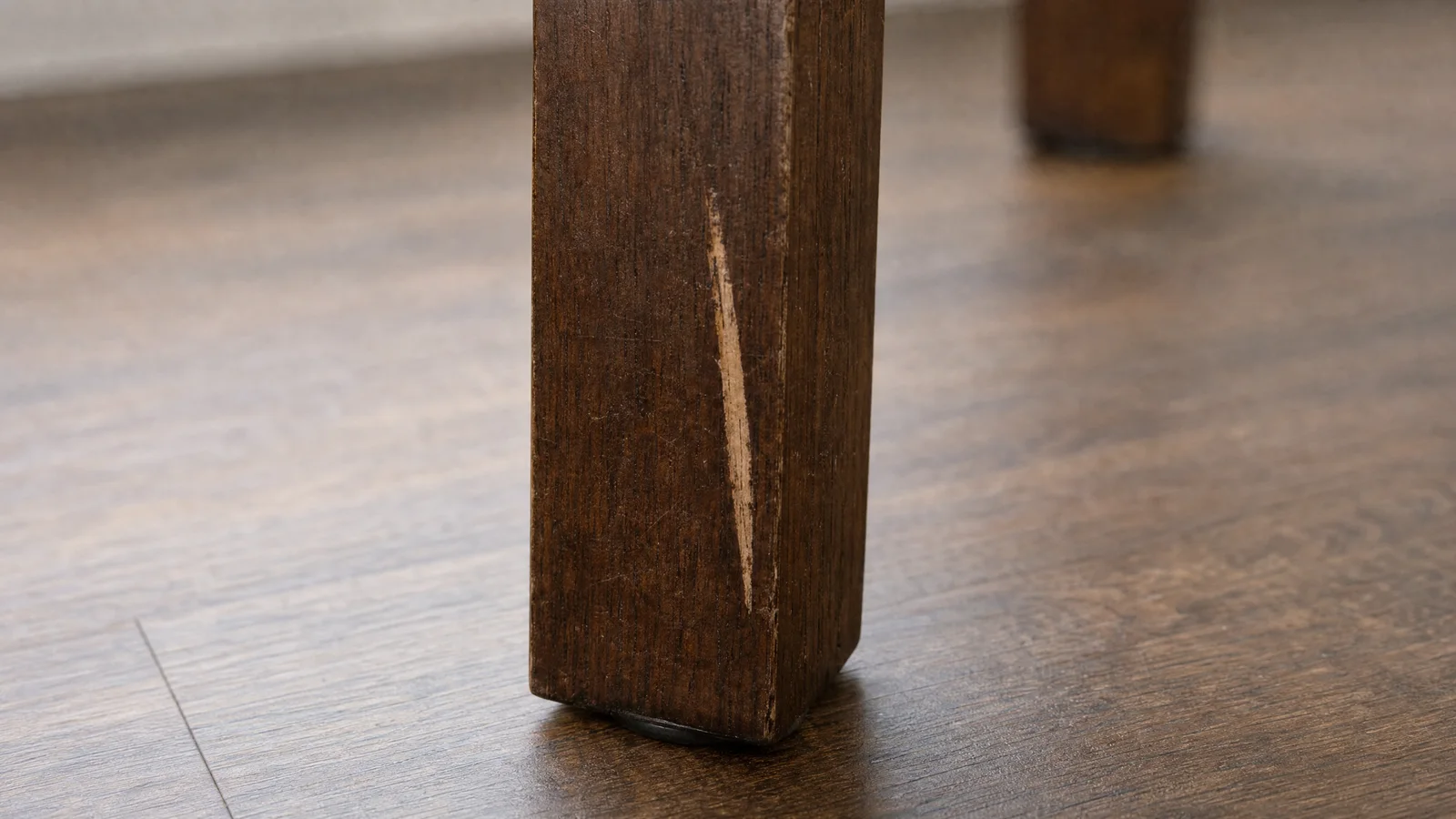
- Expected location
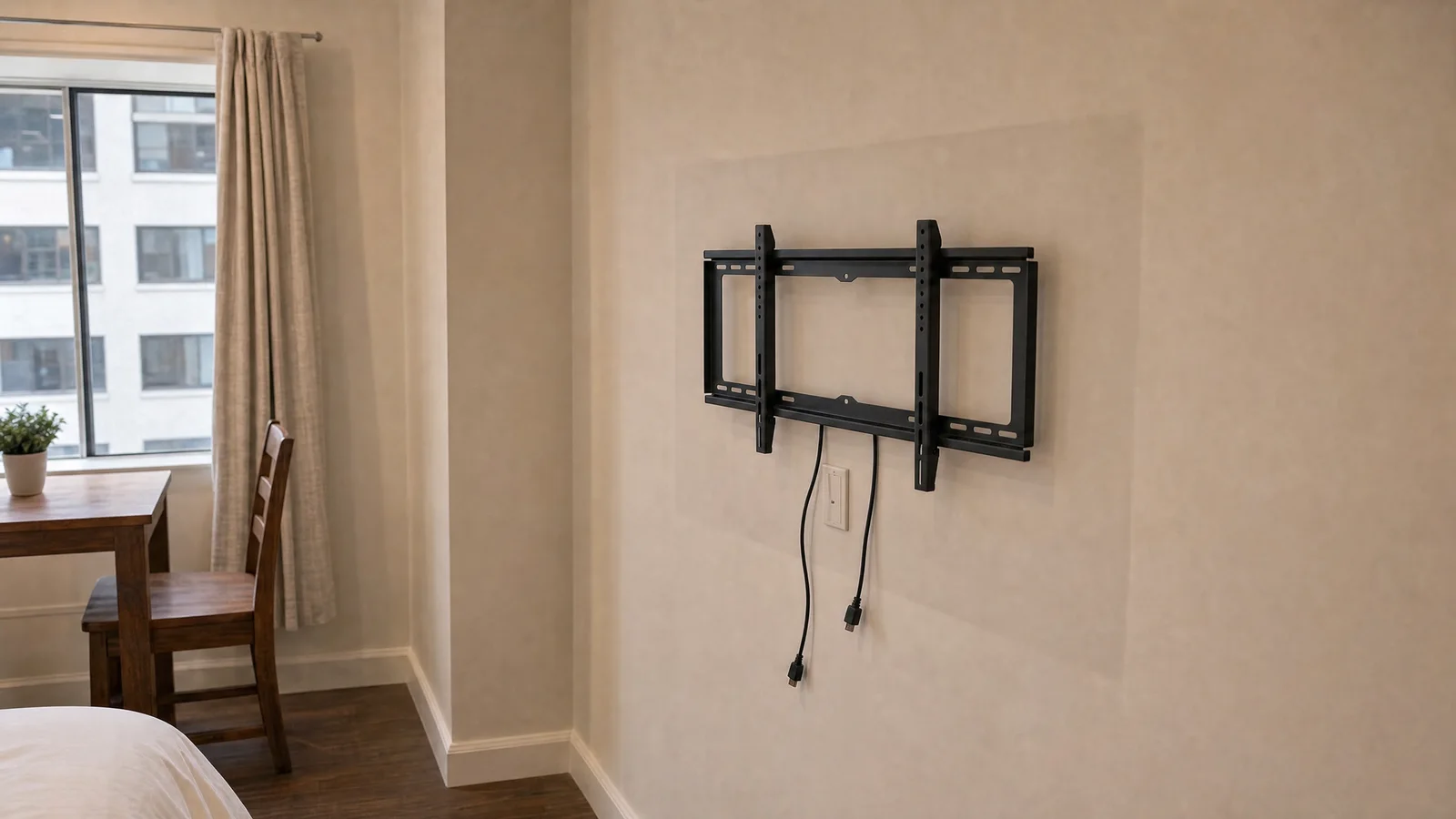
Illustrative sequence. Use the views that explain what you found. Not evidence from any stay. Send when connected
Choose Send when connected. Keep the page open while files send. After an interruption, reopen the same link in the same browser and check each file's status.
Check the receipt
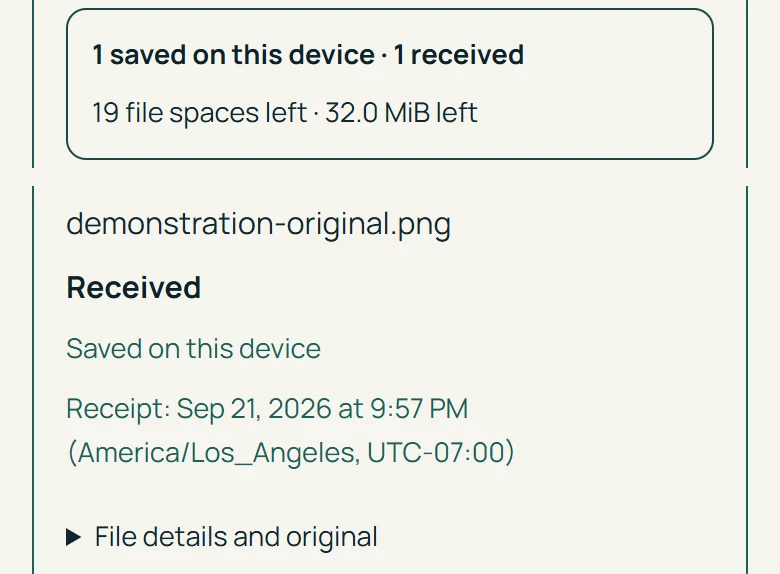
Saved on this device confirms local storage. Received confirms the service receipt. A file that is not yet Received is still waiting to send.
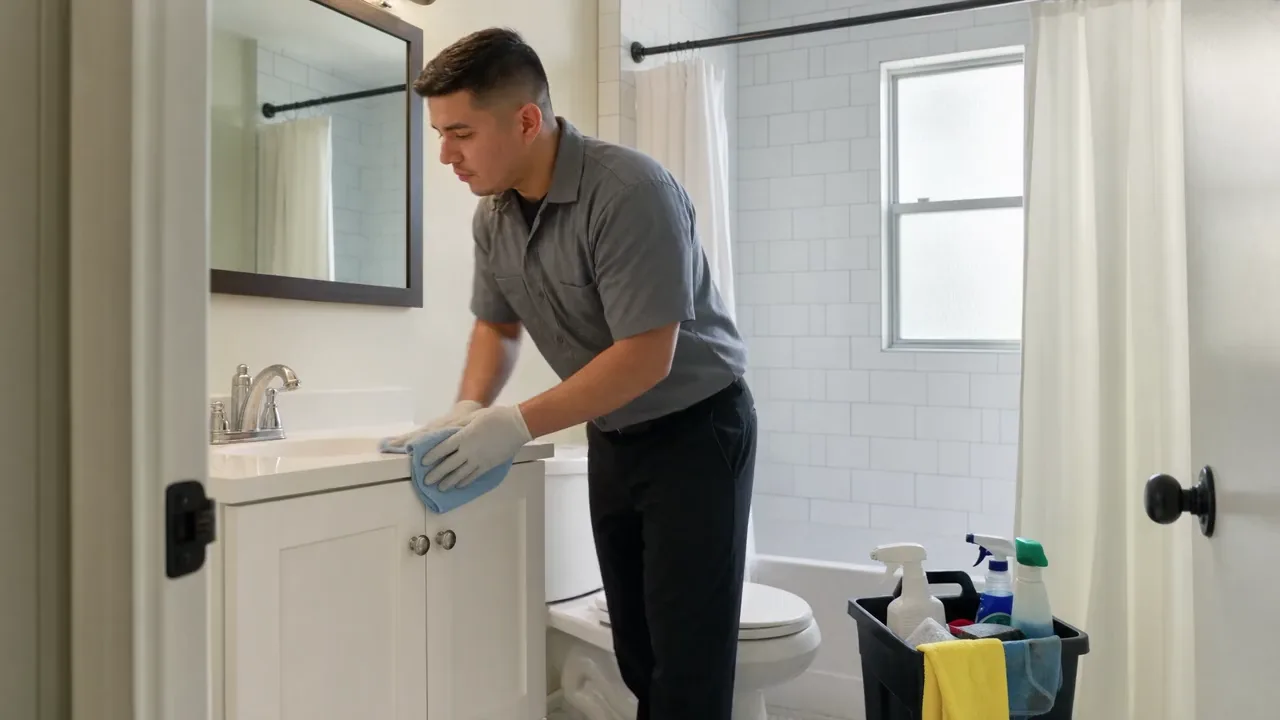
The scene could not play. Its still image is shown.
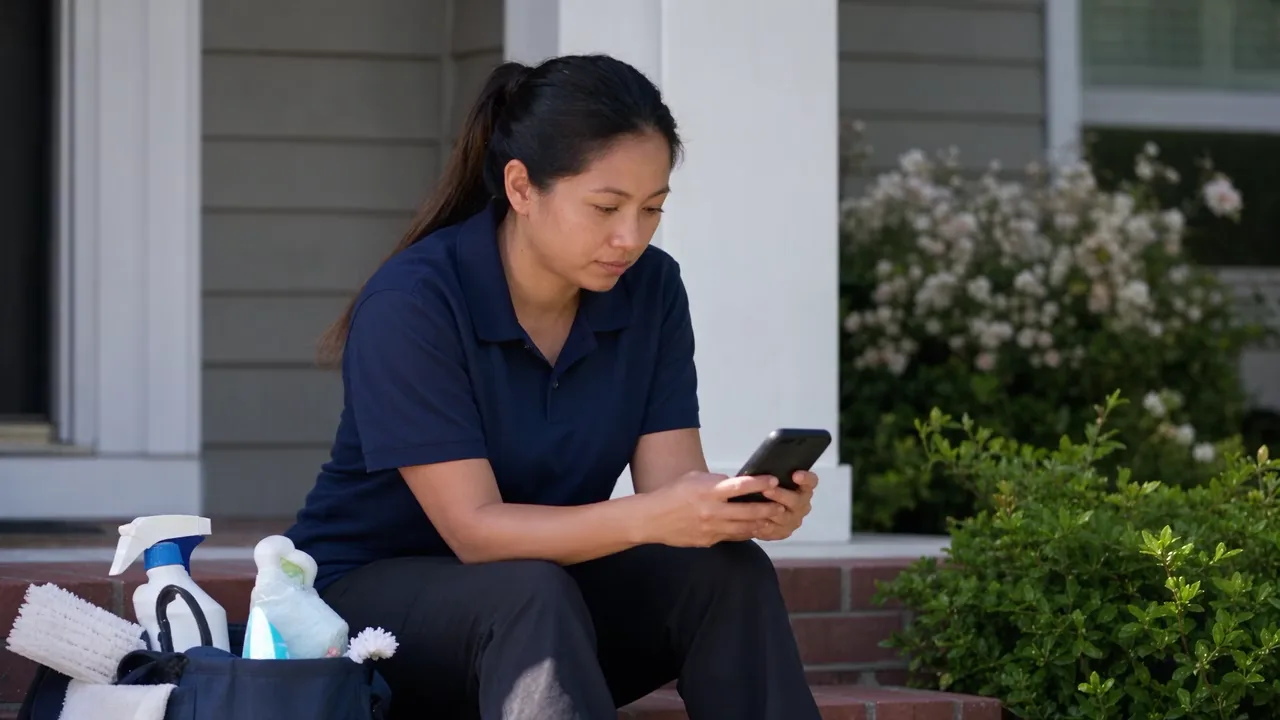
The scene could not play. Its still image is shown.
Photo status
Check where each file stands.
The scene could not play. Its still image is shown.
- Not yet saved
- The file or note is not stored yet. Keep the page open until it saves.
- Saved on this device
- The file is stored in this browser. Only Received confirms that the service has it.
- Not received
- The service has no copy of this file. Choose Send when connected to send it.
- Queued
- The file is waiting for a connection or its turn to send.
- Sending
- The transfer is in progress. Keep this page open.
- Checking receipt
- The file was sent and the page is confirming the receipt.
- Received
- The service has confirmed receipt of the completed file. The host reviews received files.
- Receipt not confirmed
- The send did not confirm. Keep the original and reopen the same link to check the file before sending it again.
For hosts
Review the handoff
Review received files
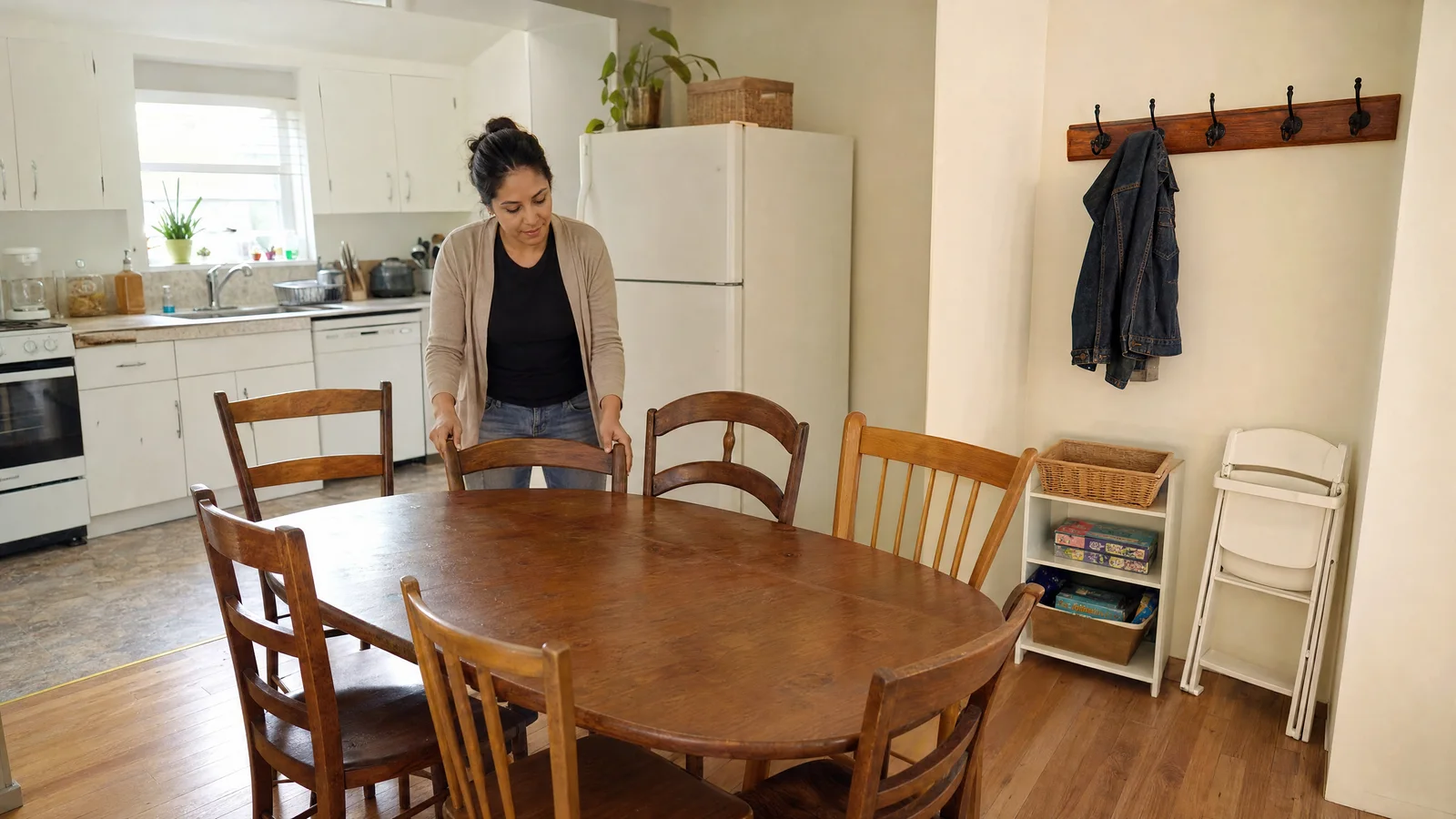
Open the stay and check received photos and reported issues. An offline cleaner's unsent files are not visible to you.
Ask for what is missing
Request a specific room, item or detail when more information would help. Marking the job ready and accepting the handoff remain separate actions.
Add item details when needed
Add an item name, make or model, purchase date and condition. Link the available receipt, estimate and before or after photos to the same stay.
Prepare the stay packet
Review the timeline, item details and missing material. Choose Download PDF summary for a readable copy. Download the record ZIP to keep its unchanged original files and printable HTML summary.
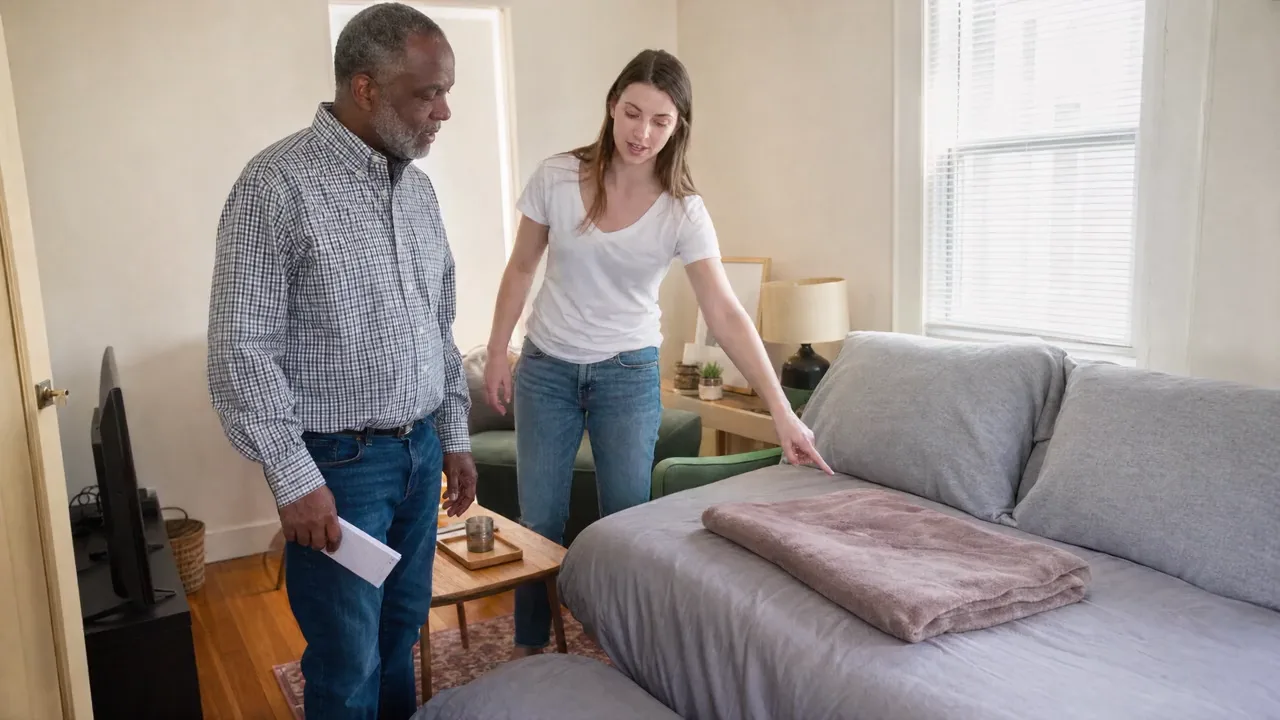
The scene could not play. Its still image is shown.
Common questions
Know what to expect.
Can I close the cleaner page before sending?
Wait for Saved on this device. Reopen the same link in the same browser to resume. Browser storage can be cleared or run out, so keep the original photos until the host has received them.
Will files keep sending after I close the browser?
Keep the page open while sending. Browsers may pause or stop work after the page closes. Reopen the link to check receipts and continue.
Does the host see photos that are still on my phone?
The host sees files received by the service. Unsent files on an offline device remain on that device.
Do all incidents need three photos?
Use the views that explain what you found. Missing items and nonvisual issues need different details. Note any view you could not capture.
Does marking a job ready approve payment?
The host reviews the handoff separately. A ready status does not certify cleanliness or authorize payment.
Can I download a PDF?
Choose Download PDF summary in the stay record. Photo previews may be resized for the page. Keep the separately exported record ZIP for the unchanged originals. If a character or file cannot be rendered, use Open printable summary and your browser's print options.
What do the photo dates mean?
The device file date is the file's modification date. Camera capture metadata is not read or verified by this flow. Local save time records when the file was saved in this browser. Service receipt time records when the completed file reached the service. Missing dates remain unknown.
Files and privacy
Where the files are kept
Unsent photos are kept in this browser on this device when storage is available. Clearing browser data can remove them. Anyone with access to the device and job link may be able to reopen the saved work. Keep the device secure and keep your originals until receipt is confirmed.
StayTurn does not request location for this capture flow. Supplied files may already contain camera details or location metadata. Review sensitive information before sharing original files.
The printable record presents the evidence. Separately exported originals preserve the supplied files. File hashes check byte consistency and do not establish who took a photo, where it was taken or what it proves.